How to Become a Member of the ATiO Alliance – A Step-by-Step Guide
The ATiO Alliance connects world-leading researchers, clinicians, and businesses in the field of Advanced Therapies in Orthopaedics. In this guide, we walk you through the entire membership process – from selecting your membership category to gaining full access to the ATiO platform.
Step 1: Select Your Membership Category
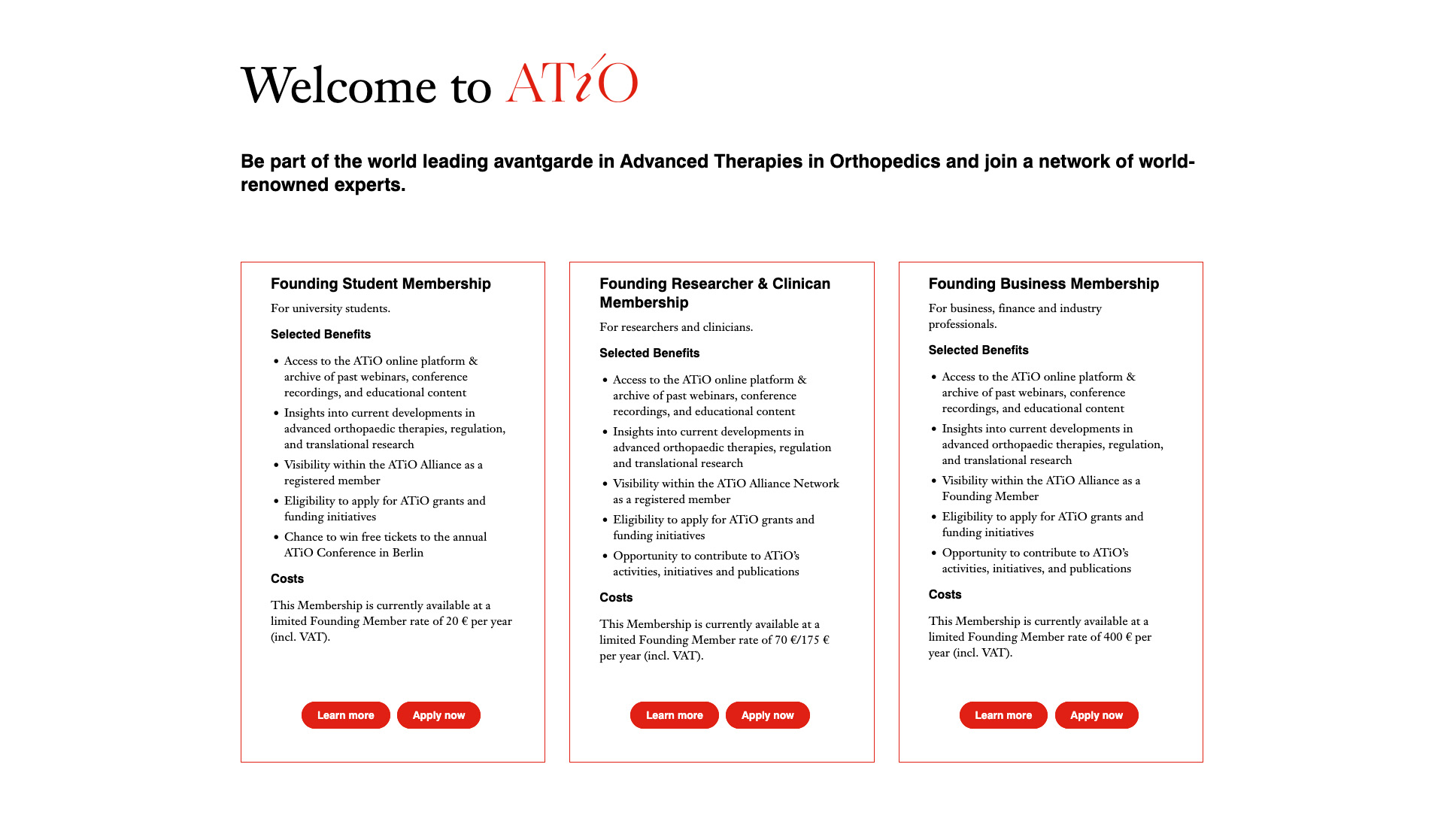
Visit the ATiO website and navigate to the Membership page. There you will find membership categories tailored to your professional background:
-
Student Membership – for university students
-
Researcher & Clinician Membership – for researchers and clinicians, with a discounted rate available for residents and early-career scientists
-
Company Membership – for corporate, finance, and industry professionals
All categories include access to the ATiO online platform, an archive of past webinars and conferences, and more. Click "Apply now" on the one that fits your profile best.
Current Founding Member rates: ATiO is currently offering significantly reduced Founding Member rates for a limited time. If you join now, you benefit from the following exclusive pricing:
-
Student Membership: €20 per year (instead of €30)
-
Researcher & Clinician Membership: €175/70 per year (instead of €250/€100)
-
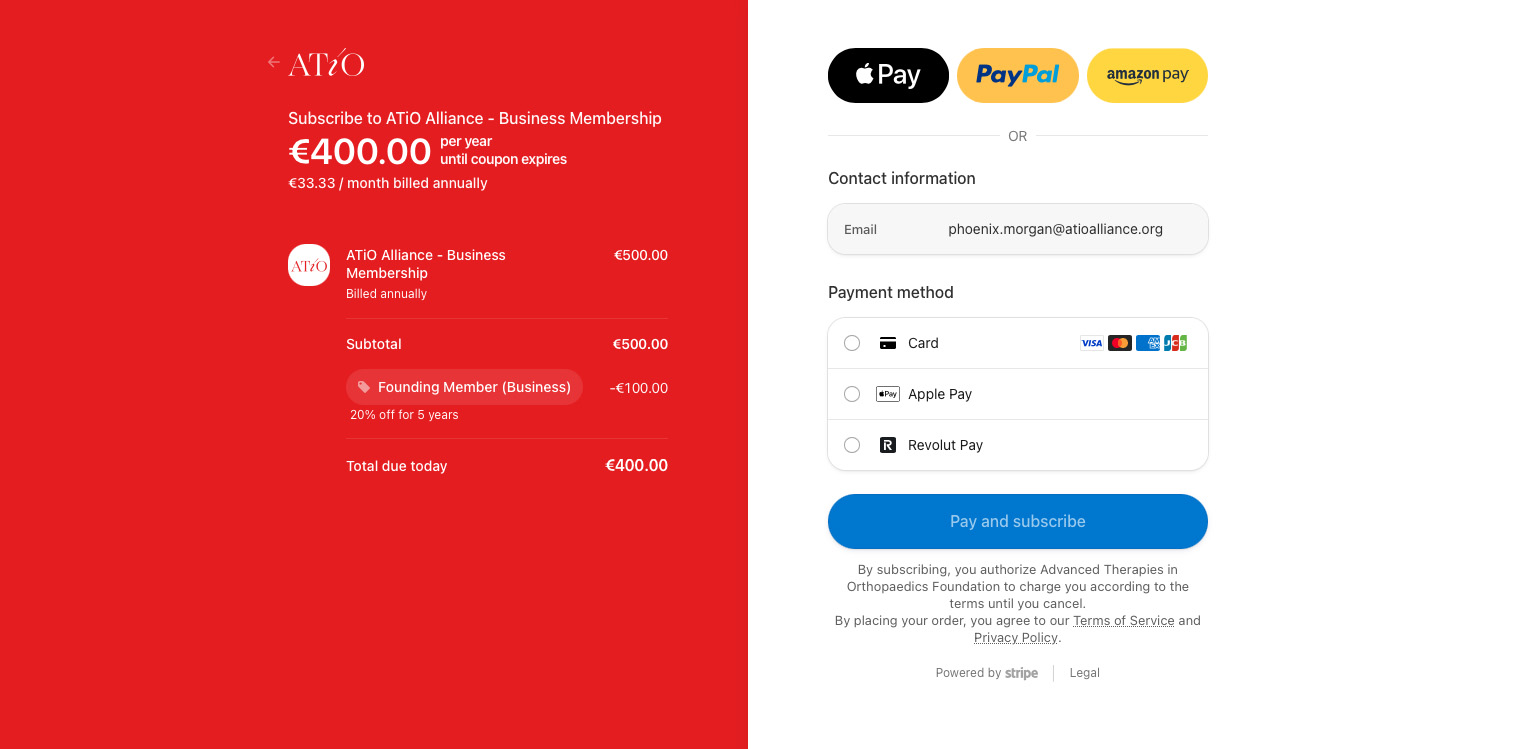
Company Membership: €400 per year (instead of €500)
These rates are locked in for Founding Members, meaning you continue to benefit from them even after the Founding Member period ends. If you are considering joining the ATiO Alliance, now is the ideal time to secure your membership at these exclusive rates.
Step 2: Fill in the Registration Form
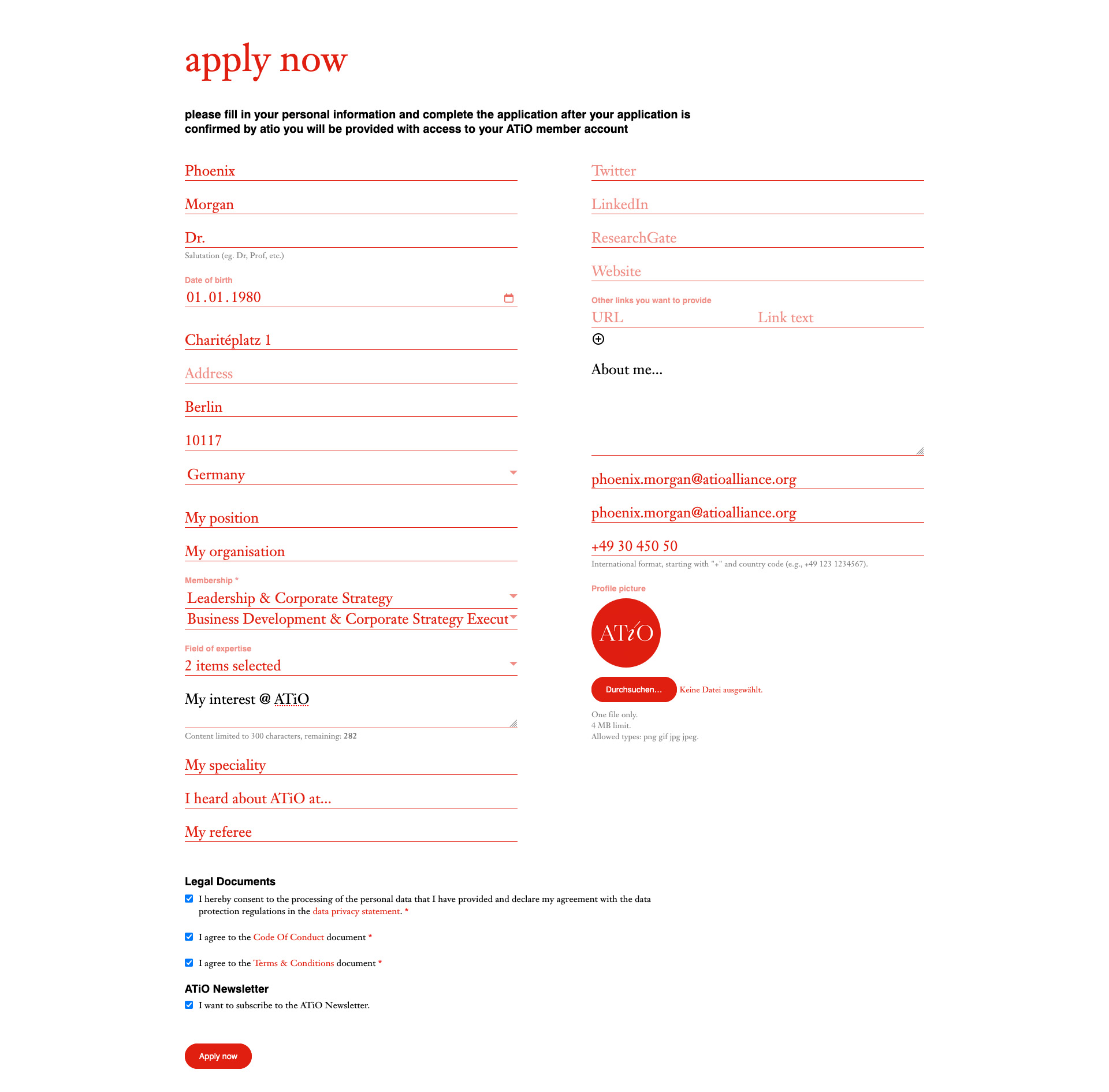
After clicking "Apply now", you are taken to the registration form for your chosen membership category. Fill in all required fields, including personal details such as first name, last name, title, date of birth, and address, as well as professional information such as your position, organisation, and field of expertise.
You also have the option to add links to your professional profiles (LinkedIn, ResearchGate, Twitter/X), a short personal bio, and a note on your interests within the ATiO community.
At the bottom of the form, you will be asked to agree to the legal documents – the privacy policy, the Code of Conduct, and the Terms & Conditions. You can also sign up for the ATiO Newsletter at this point. Once everything is filled in, click "Apply now" to submit your application.
Step 3: Application Confirmation on the Website
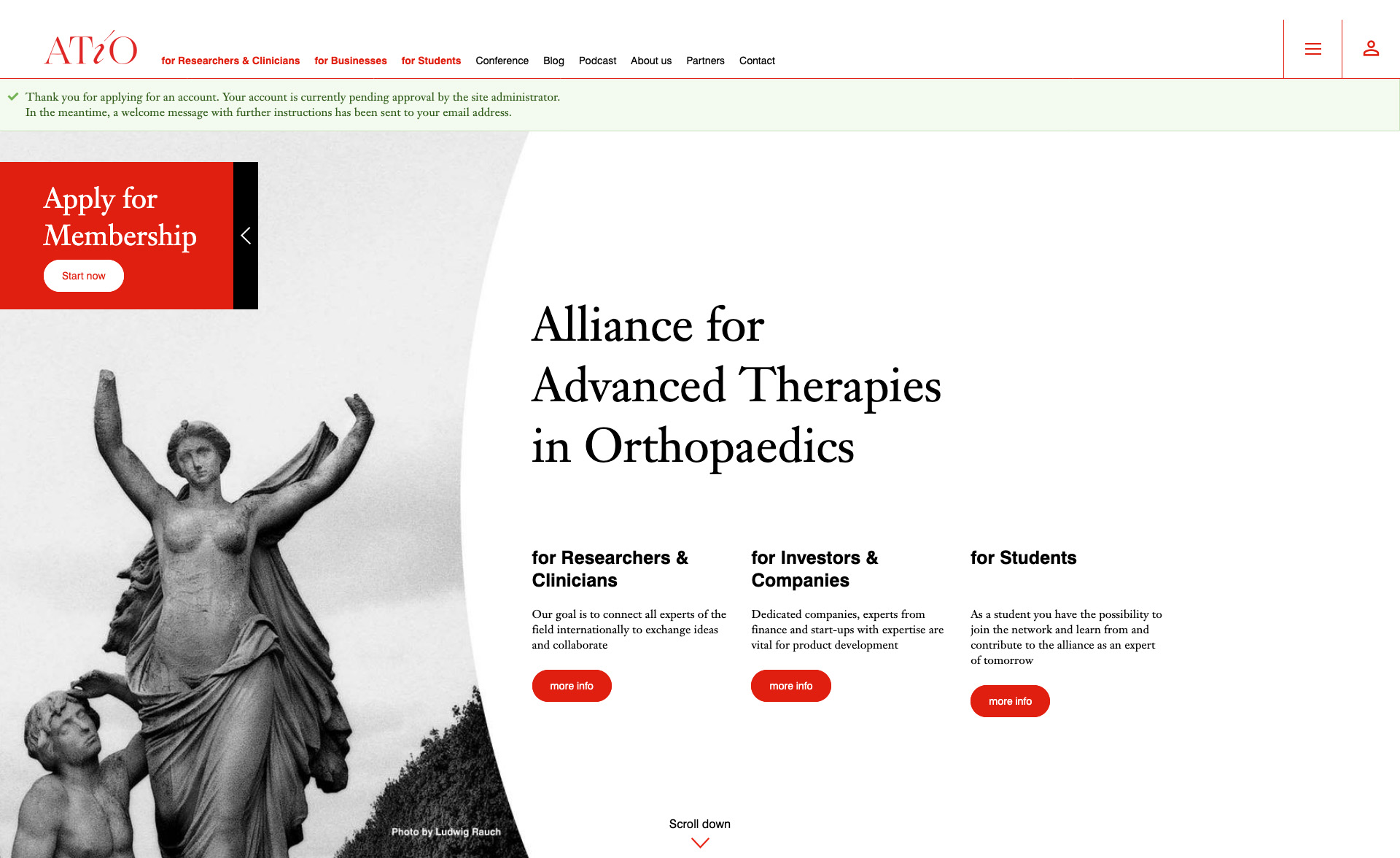
After submitting your application, you will be redirected to the ATiO homepage. A green notification banner appears at the top of the page, confirming that your application has been successfully received. You will be informed that your membership is now under review and that you will receive an email with further instructions once your account has been approved.
Step 4: Receive Your Application Confirmation Email
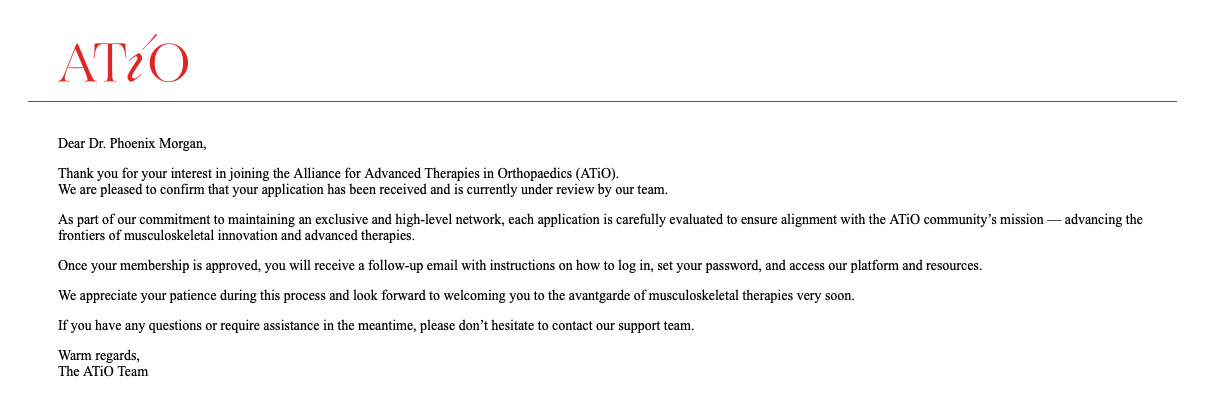
Shortly after submitting your application, you will receive a first email from the ATiO Alliance. This email confirms that your application has been received and is currently under review by the ATiO team. It explains that each application is carefully evaluated to ensure alignment with the ATiO community's mission – advancing the frontiers of musculoskeletal innovation and advanced therapies.
You will be asked to be patient during this process. Once your membership has been approved, you will receive a follow-up email with the next steps.
Step 5: Receive Your Activation Email and Activate Your Account
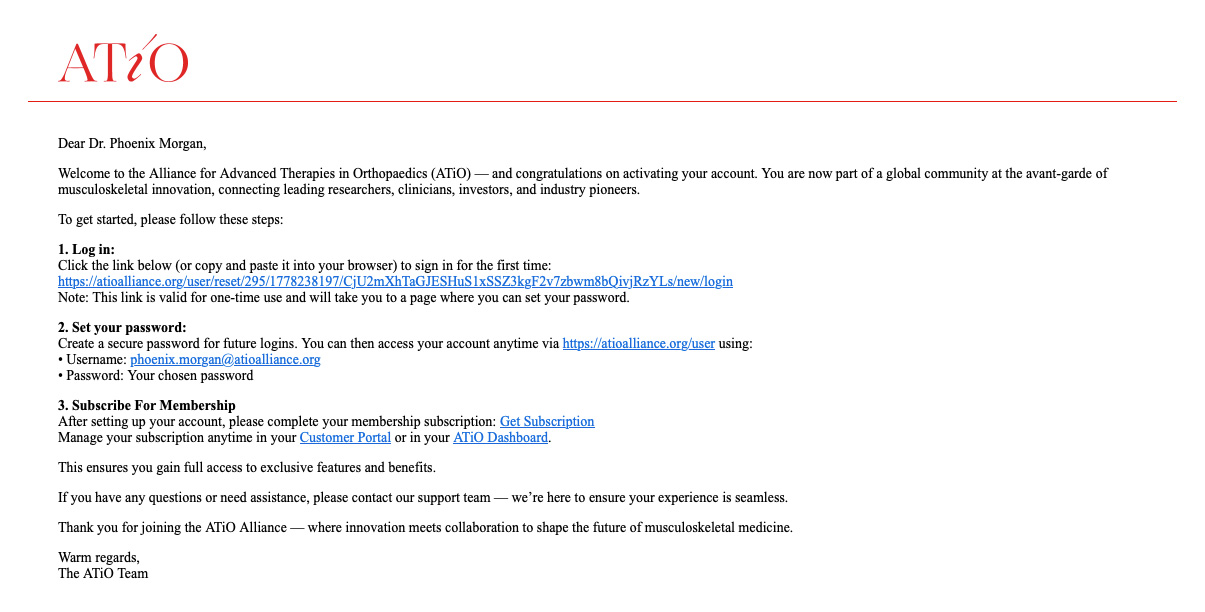
Once your membership has been approved, you will receive a second email – the activation email. This email contains a personal one-time login link that takes you directly to the password setup page. Please note that this link can only be used once and will become invalid after you have clicked it.
The email also includes your future username (your email address) as well as direct links to the subscription page and your ATiO dashboard, both of which you will need in the next steps. Click the activation link to proceed.
Step 6: One-Time Login After Clicking the Activation Link
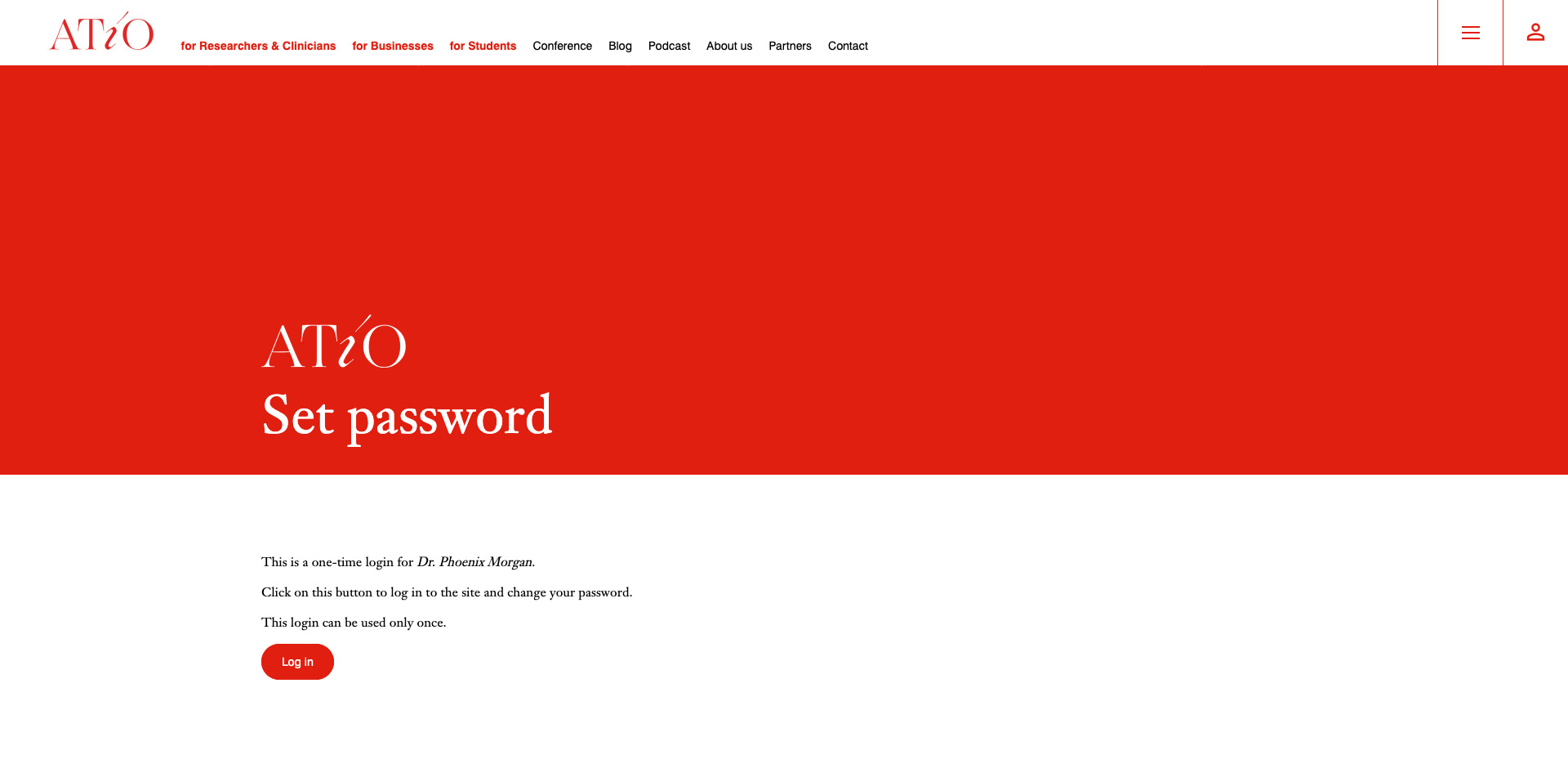
After clicking the activation link, you are taken to a page that confirms this is a one-time login for your account. The page displays your name and informs you that clicking the "Log in" button will take you to the site where you can set your password. Click "Log in" to continue.
Step 7: Set Your Password
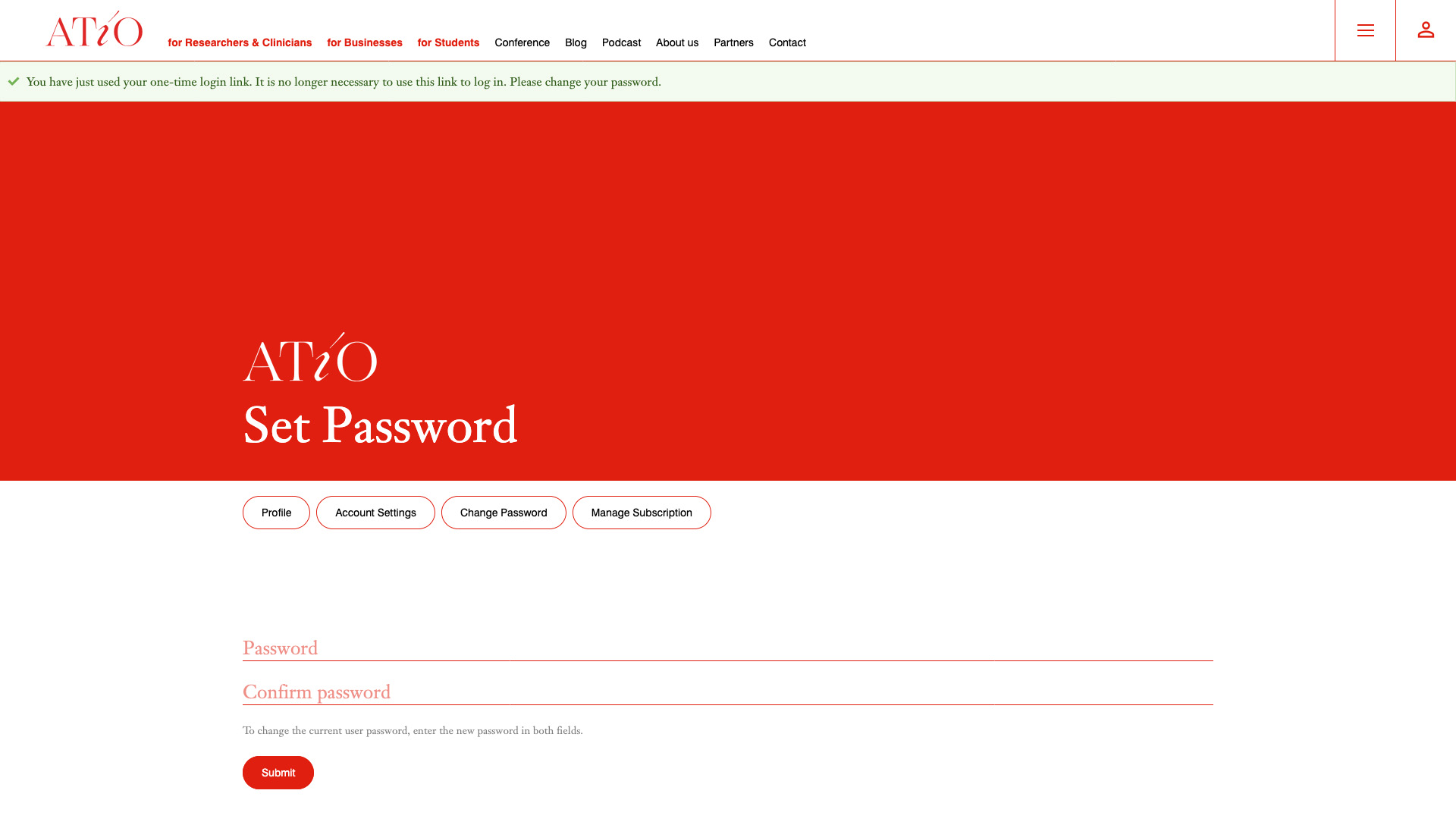
You are now on the password setup page. A green banner at the top of the page confirms that your one-time login link has been used successfully and that it is no longer valid for future logins. You will be prompted to enter a new password and confirm it in a second field.
Choose a secure password that you will remember, then click "Submit" to save it. From this point on, you can log in to your ATiO account at any time using your email address and this password.
Step 8: Your Dashboard – Activate Your Membership Subscription
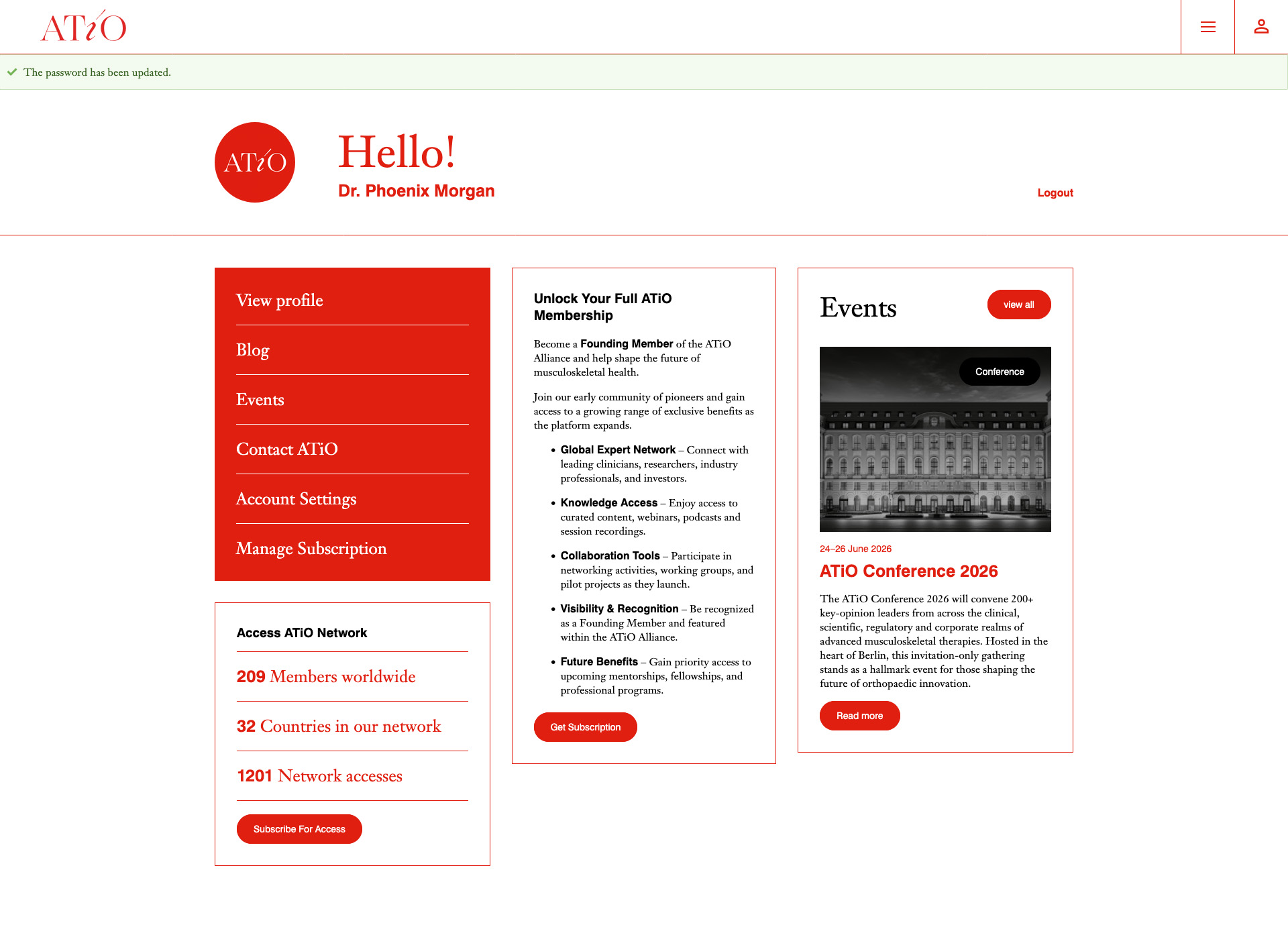
After setting your password, you are automatically redirected to your personal ATiO dashboard. A green banner confirms that your password has been updated successfully.
On the dashboard, you will see a prompt to complete your membership by subscribing. Click "Get Subscription" to proceed to the payment page. Here you will find the details of your chosen membership plan, including any applicable Founding Member discount. Payment can be completed via different payment options. Once payment is confirmed, your membership is fully active.
Step 9: Full Access to the ATiO Platform
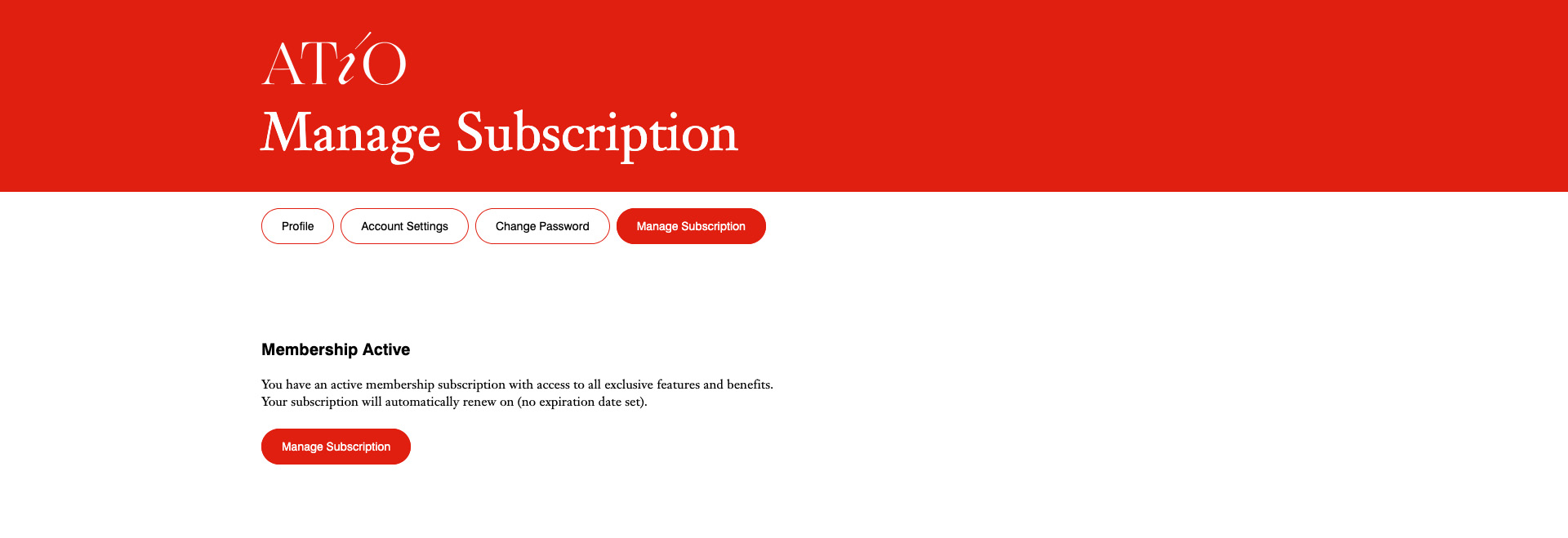
With your subscription active, you now have full access to the ATiO member platform. Your dashboard shows the complete range of features available to you, including the member network, webinars, events, blog content, and the option to publish on ATiO. You can also manage your subscription at any time under "Manage Subscription", where you can view the status of your membership and your renewal date.
Welcome to the ATiO Alliance!